

Reverse mortgage LOS fit for retail, wholesale and broker teams
Map your reverse lending model to ReversePilot: who logs in, which features matter, pricing fit tier, prerequisites and demo questions for each team.
In this article
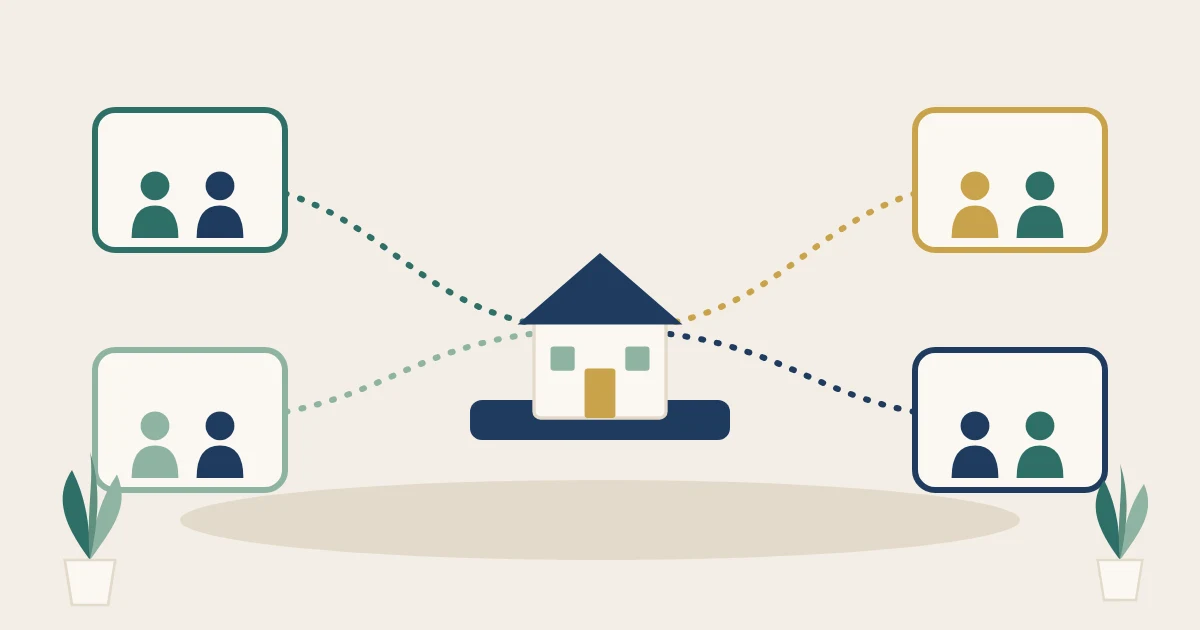
Choosing a reverse mortgage LOS starts with a simpler question than "which edition do we need?" ReversePilot has no editions. Every feature area ships as part of one platform, and your proposal is scoped by operating model: retail, wholesale, broker channel, or a secondary-focused team. This page maps each model to the people who log in, the features they lean on, and what to bring to a demo.
Verified against reversepilot.com on 2026-10-28. Each capability below links to the live page it comes from. If a page changes, the page wins.
One platform, no editions: what changes by operating model
The features page lists six feature areas and says each block "ships as part of the platform - no separate licenses, no separate auth, no separate audit log." So a retail lender and a wholesale lender are not choosing between product tiers. They are describing different operations to the same system.
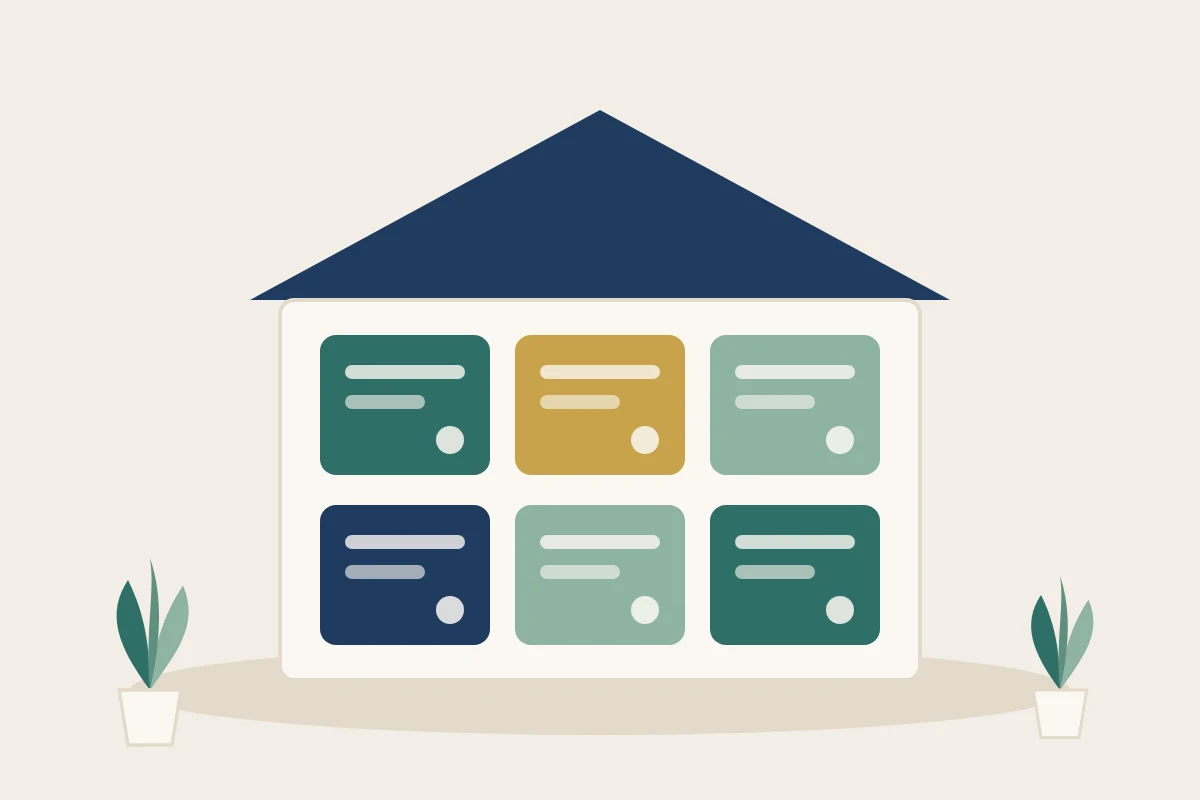
What does change is scope. The pricing page says ReversePilot "isn't sold in fixed packages" and lists the inputs that shape a proposal:
- Channels: retail, wholesale, or both
- Monthly loan volume
- Modules and workflows in scope
- Integration footprint
- Migration complexity from your current system
- Security and procurement requirements
- Support model
The same page names three plans, Growth, Scale and Enterprise, and adds: "Tier names describe fit, not fixed packaging." Read the tiers as a description of operation size, not as a feature cut-off.
Reverse mortgage LOS fit by operating model
Use the table to find your column, then read the prerequisites and demo questions for that model further down. A hybrid lender running retail and broker volume reads the wholesale column; the retail column still describes your in-house team.
| Retail reverse lender | Wholesale / hybrid lender (retail + broker channel) | Broker or TPO submitting to a lender | Correspondent / secondary-focused team |
|---|---|---|---|
| Who logs in | |||
| Your loan team, borrowers, title partners | Your loan team, channel managers, approved brokers | Your staff, inside the lender's broker portal | Secondary, post-closing, compliance, analysts |
| Feature areas that matter most | |||
| Calculations, documents, borrower portal, CloseAuthority | Broker portal, documents, reporting, calculations | Broker portal | Reporting, documents, calculations |
| Channel and compliance controls | |||
| Product, state and channel matrix; licensing checks at assignment | Channel-aware rules; per-broker pricing and disclosures; one audit log | Set by the lender, per broker | Point-in-time history; HMDA and NMLS extracts |
| Integrations typically in scope | |||
| Credit, flood, appraisal, title, eSign, government | Retail set, plus which orders brokers see | As the lender configures them | Servicing, government, your BI warehouse |
| Pricing fit tier | |||
| Growth for pilots; Scale when multi-state | Scale or Enterprise | Covered by the lender's proposal | Set by size and integrations |
| What to bring to the demo | |||
| Products, states, current LOS, title partners | Broker mix, per-broker pricing, permissions, compensation policy | The lender's submission requirements | Investor delivery needs, BI stack, rate sources |
Where each row comes from on the live site:
- Who logs in. Borrowers use the borrower portal and approved title partners work in CloseAuthority. Approved brokers use a branded broker portal scoped to their organization, with permissions set by the lender.
- Controls. The compliance page describes a controls matrix by product, state and channel, with NMLS licensing and designated-state controls applied at assignment. The wholesale page covers channel-aware rules, per-broker pricing, products, fees, disclosures and approval routing, and one audit log. It also says broker compensation visibility "is configurable by lender policy."
- Secondary. Reporting covers point-in-time reconstruction, HMDA LAR edit checks, NMLS call report extracts and warehouse mirroring.
- Pricing fit tier. Per the pricing page, Growth is "for emerging reverse teams and controlled pilots," Scale is "for multi-state, multi-team reverse operations," and Enterprise is "for national lenders, complex integrations, procurement, and advanced support." Wholesale and broker portal workflows "can be scoped into your proposal alongside retail."
Two limits on the table. Integration rows come from the categories on the integrations directory, which states that "a listing does not mean a connection is available for your account." Confirm each connection you need in the demo. And the site does not describe a correspondent loan-purchase workflow, so treat that column as reporting and post-closing fit only.

Tier fit is a starting point for the sales conversation. Pricing is proposed after scoping, and the pricing FAQ says engagements can start as a controlled pilot before expanding.
Prerequisites to answer before the demo
These are the facts a solutions engineer needs to map the platform to your operation. Where a question touches a federal rule, the source is linked. Your own counsel and compliance team decide how a rule applies to you.
Retail reverse lender
- What is your FHA approval status and mortgagee type? HUD lists the types and the application process on its FHA lender approval page.
- Which states are you licensed in, and which originators hold licenses there? Check entity and individual records in NMLS.
- Do you originate HECM only, or proprietary reverse products too?
- What is your current LOS, and what must migrate: active pipeline, documents, history?
- Which closing methods do your states and title partners use: RON, IPEN or wet sign?
Wholesale or hybrid lender
- Is wholesale a new channel, or are you replacing a wholesale system you already run?
- How many approved broker organizations do you expect at launch, and how are they approved today? The wholesale workflow playbook covers onboarding patterns.
- Do pricing, products, fees or disclosures differ by broker?
- What is your policy on showing brokers their compensation on a loan?
- Which conditions can a broker satisfy, and which stay with your team?

Broker or TPO
- Which lender approved your organization, and does that lender run its broker channel on ReversePilot?
- Are your company and loan originators licensed in the property's state? Confirm in NMLS.
- What does the lender need in a submission? Start with the broker loan package checklist, then confirm the lender's own list.
Correspondent or secondary-focused team
- Which activities run under which approval? HUD notes that an Investing Mortgagee "may not originate, underwrite, or close FHA-insured Mortgages in its own name." See Handbook 4000.1, Section I.A.3.
- What do your investors require at delivery: data fields, document sets, export formats?
- Which warehouse or BI tools must the data land in, and how fresh must it be?
- Where do your rate data and rate sheets come from today?
Demo prep checklist by operating model
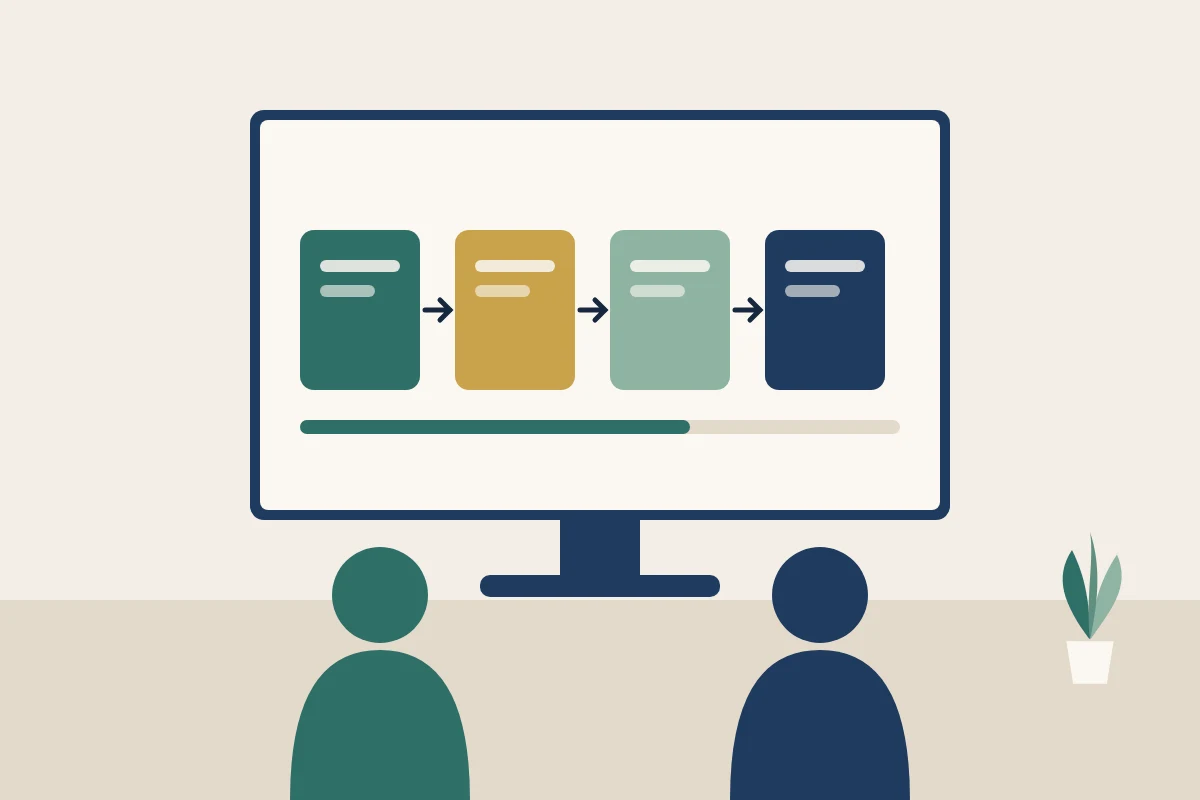
The guided walkthrough maps ReversePilot to your products, states, integrations and workflow. Send your column's questions ahead so the session runs on your scenarios. For a vendor-neutral scoring method, pair this with the LOS buyer guide and demo scorecard.
Retail reverse lender
- Run one fictional HECM in our state and show the document matrix it produces.
- Change a closing date and show the side-by-side scenario comparison.
- Replay a calculation ID and show the audit snapshot on the loan.
- Show what a borrower sees in the portal, and how we limit it.
- Walk a closing with a title partner in CloseAuthority, including who can edit regulated fields.
- Show an override with its reason in the audit trail.
Wholesale or hybrid lender
- Submit a scenario as a broker and show where it lands in our pipeline.
- Configure two brokers with different pricing and disclosures.
- Upload a condition document from the broker side and show it on the lender side.
- Show compensation visibility set two ways.
- Show the manager dashboard across brokers.
- Pull the audit log for one file with both lender and broker actions.
Broker or TPO
Your approving lender controls your workspace, so take these questions to the lender:
- Which products and pricing are enabled for our organization?
- Which conditions can we clear, and which stay with you?
- Can we see our compensation on a loan?
- How do we submit a scenario and track its status?
- Who on your team owns our file after submission?
- Which documents should we upload before we submit?
Correspondent or secondary-focused team
- Show the rate-window view for active loans and a modeled closing date.
- Export a rate sheet as PDF and show its version history.
- Rebuild a pipeline report as of a past date.
- Show what lands in the warehouse mirror and how often it refreshes.
- Produce an investor-specific export from one loan.
- Run HMDA LAR edit checks on a sample set.
Comparing several systems? The demo agenda guide keeps sessions consistent, and the integration requirements worksheet turns the integrations row into testable items.
Key takeaways
- ReversePilot has no editions. All six feature areas ship with the platform, per the features page.
- Scope is set by channels, volume, modules, integrations, migration, security and support. Growth, Scale and Enterprise describe fit, not packaging.
- Brokers work inside an approved lender's branded portal, scoped to their organization, under the lender's configuration.
- Answer your column's prerequisite questions before the demo so the walkthrough runs on your products and states.
Ready to test your column on real scenarios? Book a demo and send your checklist ahead.